Long
Bullish signals
For reversals & continuation. Spot the turn early, or add on the trend as it keeps running.
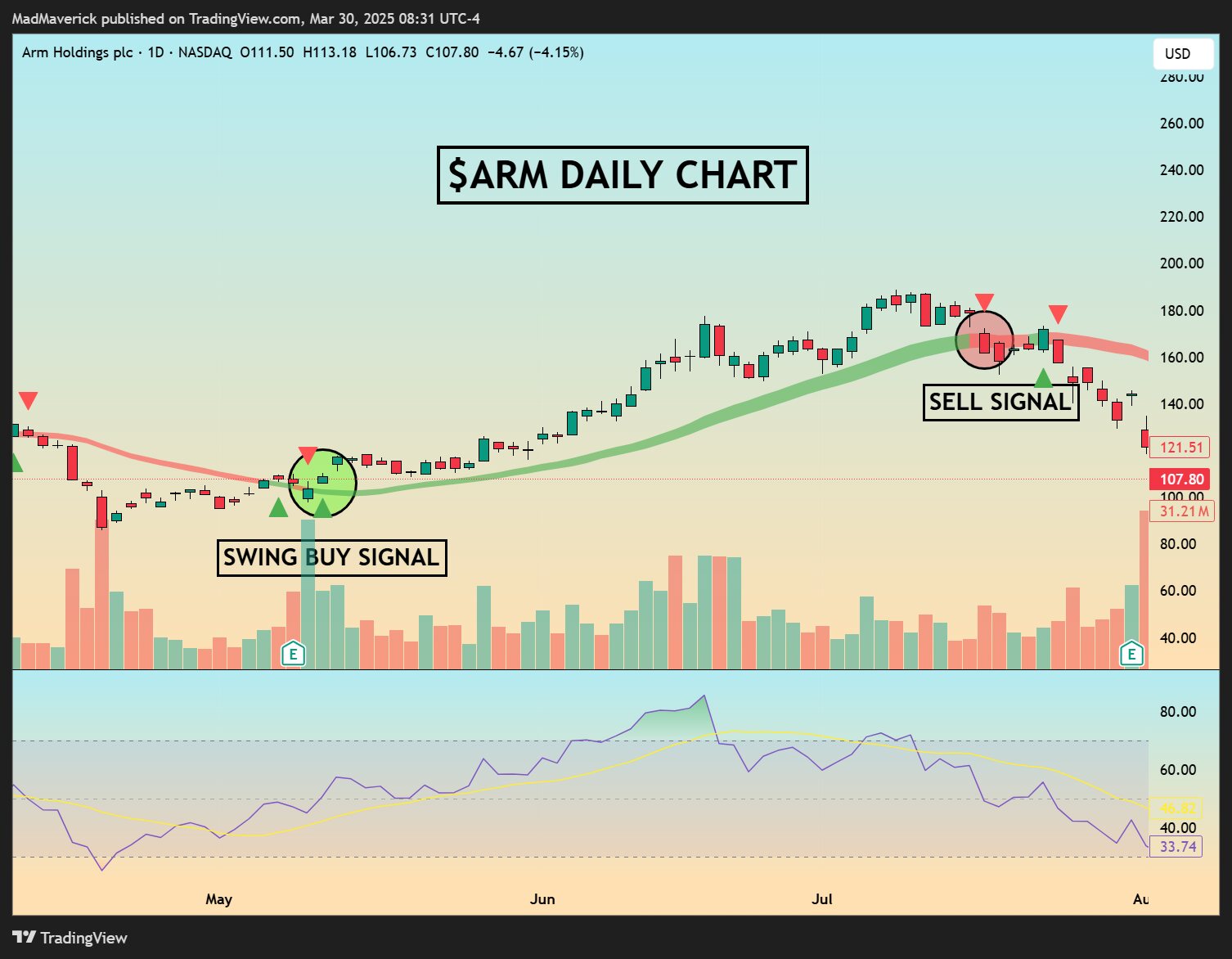
Custom indicator · Exclusively on TradingView
MadMaverick's custom indicator helps you trade with confidence. Clear visual signals and trend bias at a glance, so you spend less time studying charts and more time executing the plan.
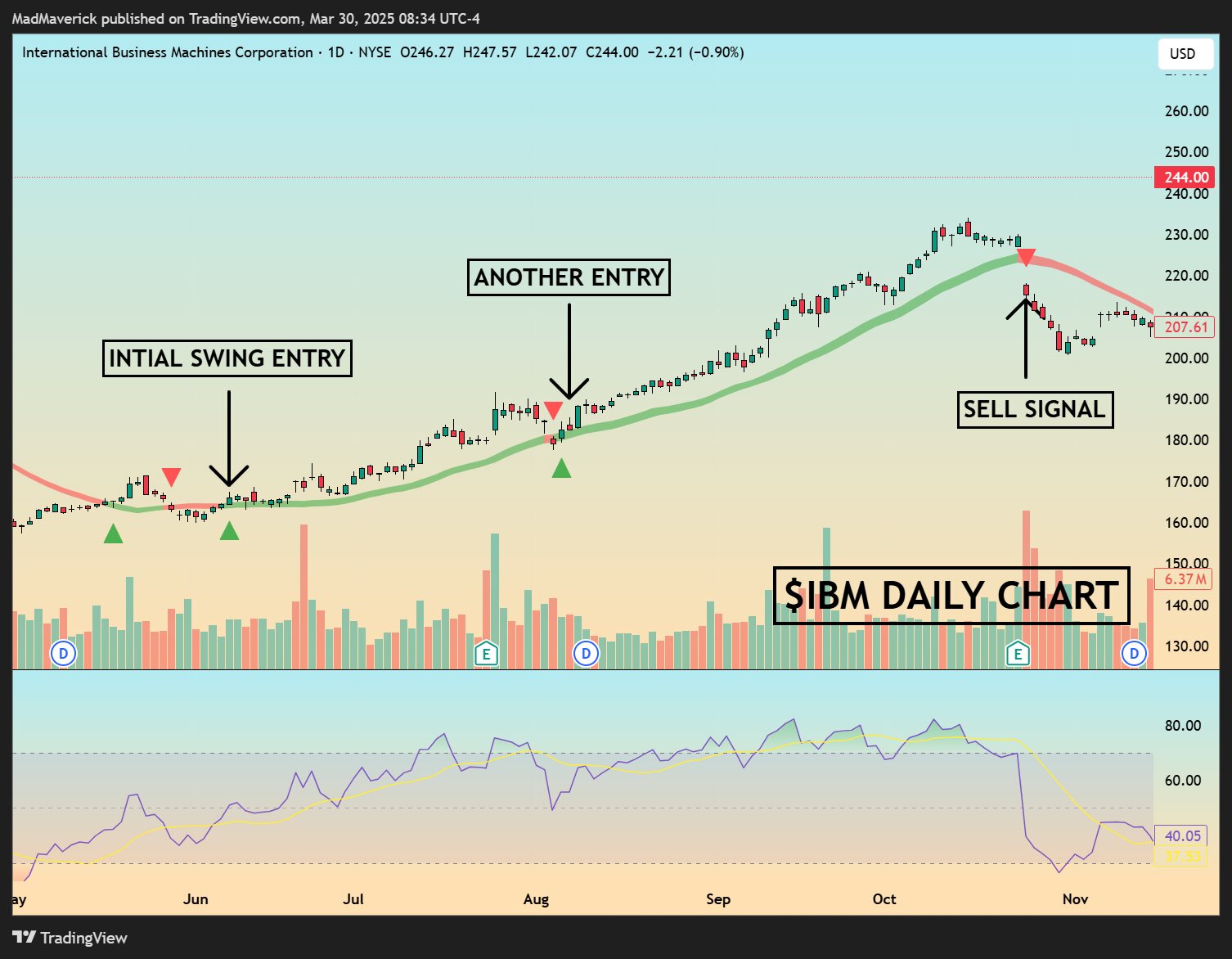
Three tools, one chart
The best way to make winning trades no matter which direction the market moves.
For reversals & continuation. Spot the turn early, or add on the trend as it keeps running.
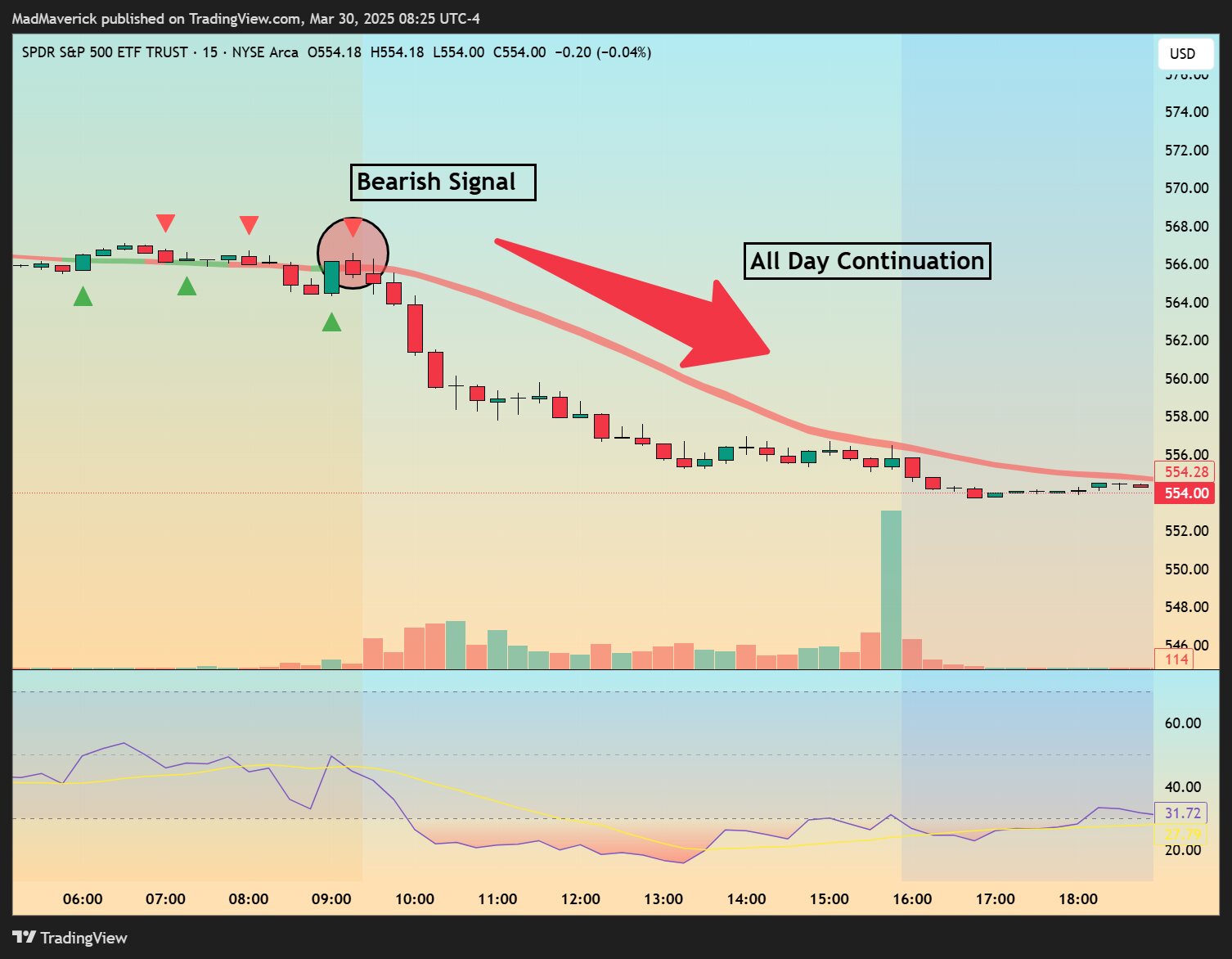
For downtrends & pullbacks. Know when to step aside, take profit, or play the move lower.
For risk management. Green or red tells you the bias instantly, and gives you a level to lean on.
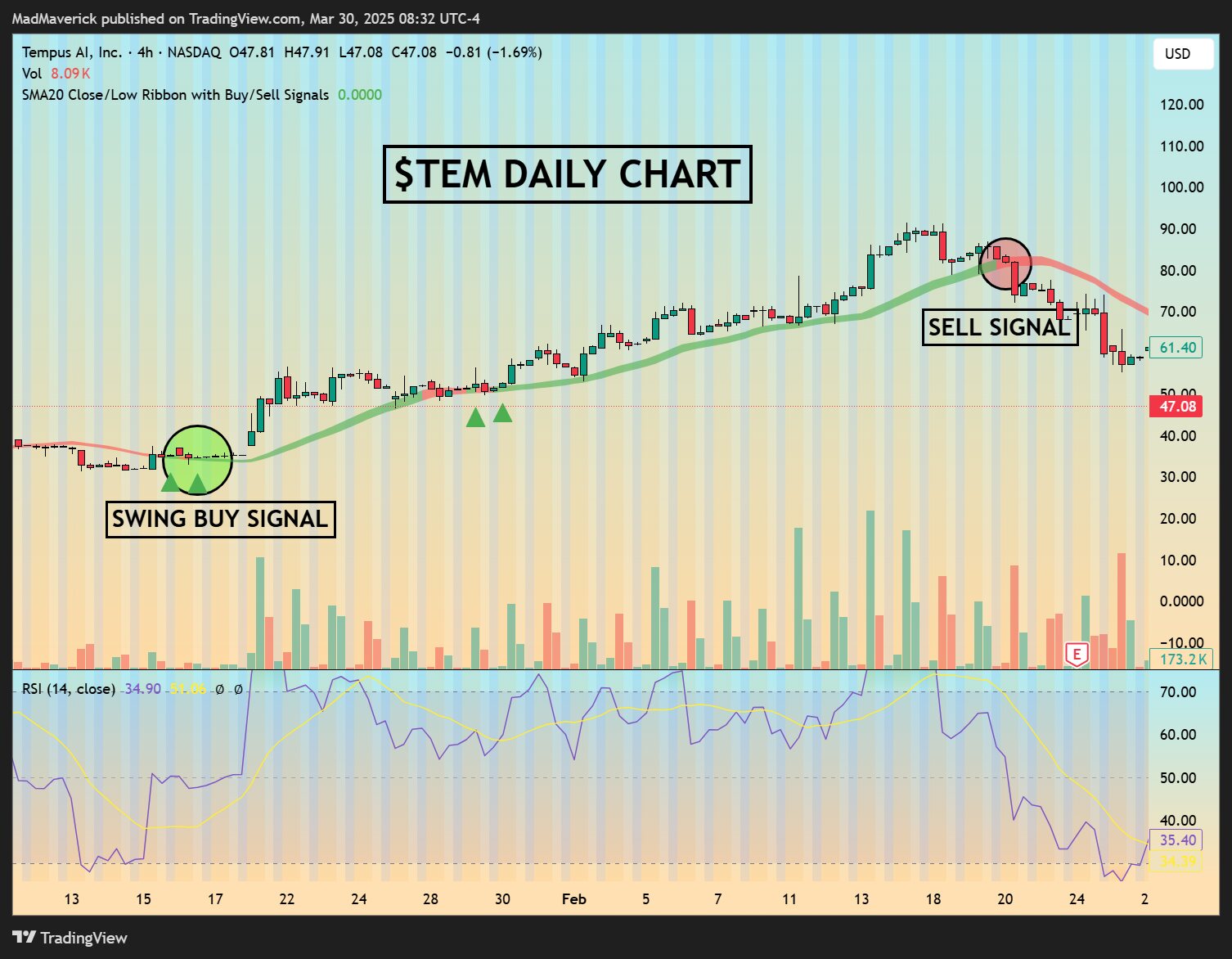
Simple chart illustrations with clear levels. No clutter, no guesswork about what the signal means.
The Maverick works in any direction, on any chart. Long setups and short setups from the same tool.
MadMaverick is a seasoned trader with a proven record. The indicator visualizes his exact strategy.

Meet the source
MadMaverick is a seasoned swing trader and the creator of Swing Scout. He has helped thousands of traders read the market more clearly, and built The Maverick so anyone could follow his strategy at a glance instead of spending hours studying charts.
The Maverick is his own personal product: the exact signals and trend read he uses on his own trades, packaged as a TradingView indicator.
Simple pricing
Full access to The Maverick on TradingView for less than the cost of one bad trade.
Billed monthly. Cancel anytime.
After you subscribe
Three quick steps from checkout to signals on your chart.
Subscribe to The Maverick through Whop checkout for $10/month.
In Whop, enter your TradingView username and claim your access. Double-check the spelling so the invite reaches the right account.
Open the TradingView app, go to Indicators, and you'll find The Maverick in the Invite-only sub-category. Click it to add it to your chart.

Unlock your financial future today. Clean, visual signals and trend bias at a glance, for just $10 a month.
Unlock Access